
.png)
.png)
.png)





Amber Sepia on the Guide KODIAK 3.0: What Does It Offer
Thermal imaging does more than detect heat. The way thermal information is displayed affects not only how easily a user can interpret the image but also visual comfort during prolonged viewing. This is why color palettes matter when choosing a thermal imaging device.
Amber Sepia is a warm-toned thermal imaging palette available on the Guide Kodiak 3.0 thermal monoculars. Unlike traditional black-and-white display modes, this scheme utilizes amber and sepia tones to render thermal differences. For users who spend long periods scanning outdoor environments, this alternative offers another way to view thermal images.
What Is the Amber Sepia Thermal Imaging Color Palette?
Thermal imaging color palettes determine the colors or tones represent different temperatures in the image. While the underlying thermal data remains constant, its visual presentation changes depending on the selected palette.
The Amber Sepia palette uses warm amber and brown tones rather than relying mainly on black-and-white or vibrant rainbow colors. This creates a different visual style for displaying heat signatures and surrounding details.
The main purpose of a color palette is to help users interpret the image in a way that suits their specific observational needs. The Amber Sepia palette does not change the thermal sensor's sensitivity, extend the device's detection range, or generate additional thermal information; it simply changes how that information is displayed on the screen.
How Does Amber Sepia Compare With Traditional Thermal Palettes?
Different thermal imaging color palettes cater to varying viewing preferences. Understanding their differences can help users select a display style for their activities.
Palette | Image Presentation | Potential Use |
White Hot | Warmer areas appear lighter; cooler areas appear darker | General-purpose scanning and observing heat signatures |
Black Hot | Warmer areas appear darker; cooler areas appear lighter | An alternative high-contrast view, depending on the scene |
Rainbow | Uses multiple colours to represent thermal differences | Highlighting certain temperature patterns |
Amber Sepia | Uses warm amber and brown tones | An alternative for users who prefer a softer, warm-toned display |
White Hot: Clear Contrast
The White Hot mode displays warmer areas in lighter shades and cooler areas in darker shades. This clean, grayscale presentation makes it a popular choice for general thermal observation.
However, some users may prefer a different color presentation during extended viewing sessions. Amber Sepia provides an alternative without relying on the same black-and-white contrast.
Black Hot: An Alternative Grayscale View
The Black Hot mode inverts the standard White Hot display, using darker shades to represent hotter areas. Some users find this easier to interpret in certain environments.
The choice between White Hot and Black Hot often comes down to personal preference, target appearance, and background conditions.
Rainbow: More Color Differences
The Rainbow color palette uses a range of colors to represent thermal differences. These colors help highlight specific temperature patterns, though a display rich in color may not suit every user's preference for interpretation.
For users who prefer a less colorful appearance, Amber Sepia offers a warm-toned alternative, avoiding the intense, multi-colored visual effect of the Rainbow mode.
Amber Sepia: A Warm-Toned Viewing Option
The Amber Sepia mode renders thermal images using amber and brown shades. Some users may find this color palette more comfortable for prolonged observation, while others might prefer grayscale or multi-color palettes.
There is no single palette that works best for everyone. Ambient light, display brightness, target contrast, and personal visual preference can all affect the viewing experience.
Why Can Palette Choice Matter During Outdoor Observation?
Outdoor users often spend extended periods observing fields, forest edges, hillsides, and open terrain, frequently encountering shifting conditions that range from bright sunlight and shadowed areas to low-light environments.
In such scenarios, a color palette that is comfortable to view while clearly rendering key details can significantly enhance the overall observation experience. Amber Sepia gives users another option when the default grayscale display does not match their preference.
For example, when scanning vegetation and open ground, wildlife observers might experiment with different color palettes; hunters might compare various display modes to determine which best distinguishes the target from the background; and outdoor enthusiasts might select a palette based on personal preference and the surrounding environment.
However, palette selection is only one part of image interpretation. Factors such as vegetation, terrain, weather conditions, distance, and the target's thermal contrast all influence the device's display performance. A palette cannot reveal a target that is fully blocked by an obstacle.
The Amber Sepia Mode on the Guide Kodiak 3.0
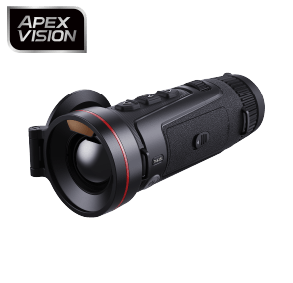
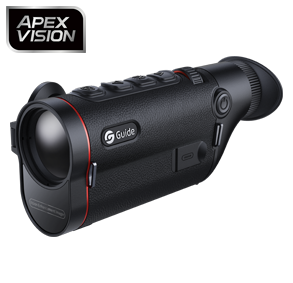
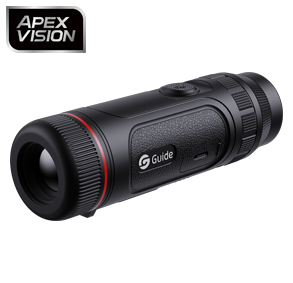
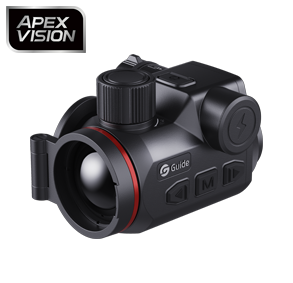
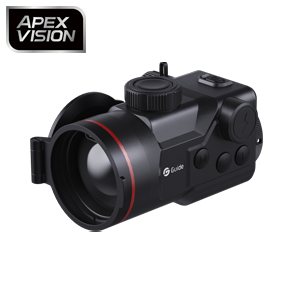
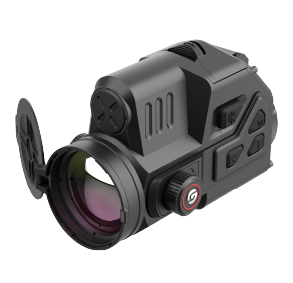
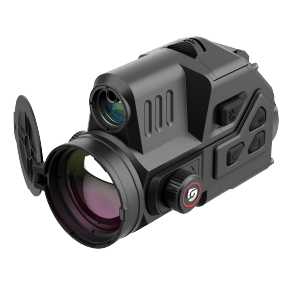
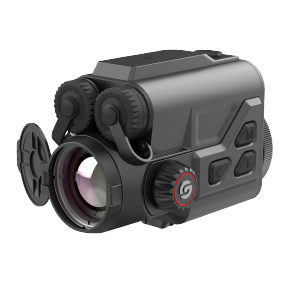
The Guide Kodiak 3.0 series of thermal imaging monoculars offers a variety of color palettes, including Amber Sepia, alongside modes such as White Hot, Black Hot, Red Hot, Green Hot, Iron Red, and Blue Hot. Users can choose a viewing style according to their preferences and observation conditions.
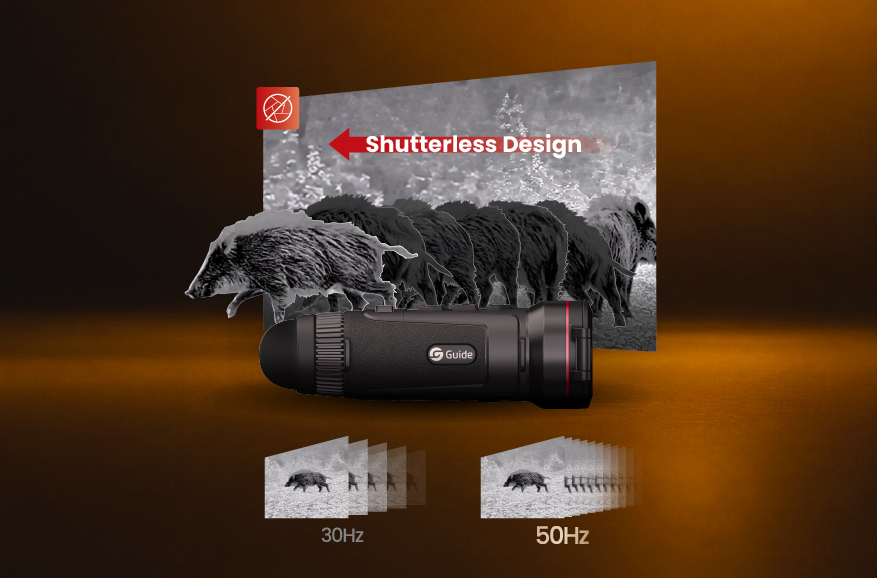
The Kodiak 3.0 combines these color palettes with high-performance imaging hardware, featuring a 640×512 thermal sensor with a 12μm pixel pitch, an NETD of 15mK, a 50Hz frame rate, and a 2560×2560 resolution AMOLED display. These specifications address different aspects of the imaging system: sensor resolution determines the level of image detail; NETD reflects the ability to distinguish minute temperature differences under specific conditions; and the frame rate influences the smoothness of the displayed motion.
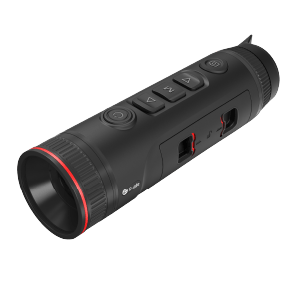
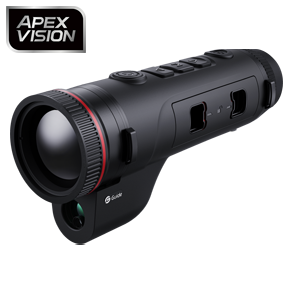
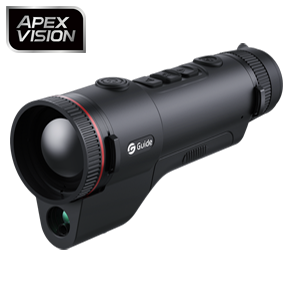
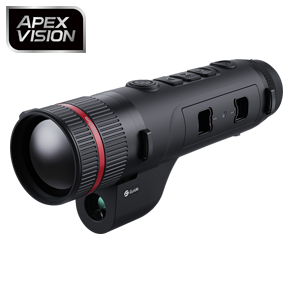
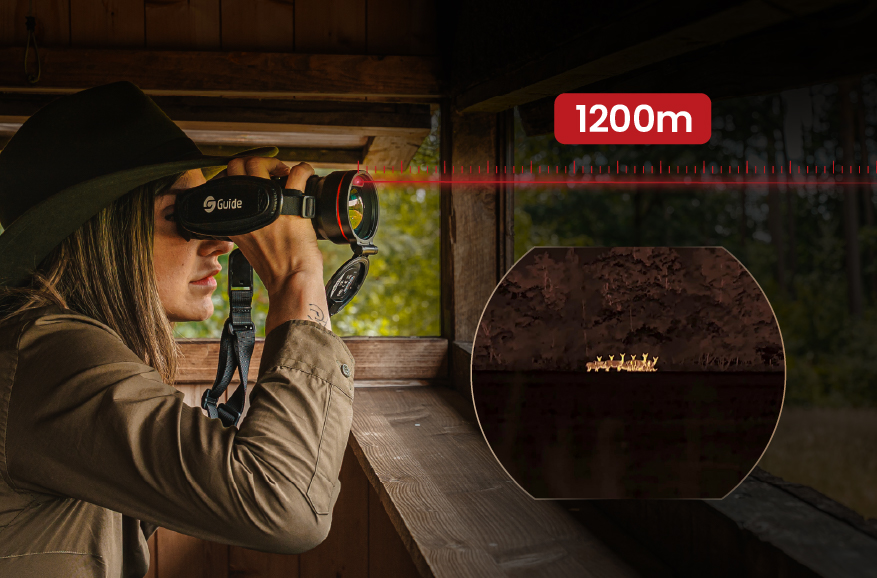
The device features a compact, handheld design and integrates a laser rangefinder with shutterless technology. Together, these features support outdoor observation, while the selectable palettes let users choose how thermal information is presented.
The Amber Sepia mode should be viewed as a display option within this comprehensive imaging system, rather than a substitute for the sensor's performance or image processing capabilities.
How to Choose the Right Thermal Imaging Color Palette
The most suitable thermal palette depends on how you use the device and which display style you find easiest to interpret.
Compare different palettes in the same environment. Switching between options while viewing the same scene makes it easier to distinguish the differences between them.
Adjust screen brightness. A display that looks comfortable in a dark setting may feel too bright in another environment.
Consider the target and background. Depending on the specific scenario, different palettes may help you more easily identify specific thermal distribution patterns.
Prioritize practical visibility. Choose a palette that helps you clearly interpret the image; do not simply assume that a richer color range implies greater detail.
Test during longer viewing sessions. Personal comfort can become more apparent when observing for extended periods.
Additionally, remember that changing the color palette does not enhance the sensor's actual detection capabilities. For a complete comparison between thermal devices, consider the sensor, lens, display, image processing, and available viewing modes together.
Conclusion
Amber Sepia offers a warm-toned alternative to traditional thermal imaging color palettes. This mode presents thermal images in amber and brown shades, providing users with an alternative perspective for observing thermal features, and is particularly suitable for users who prefer this visual style when observing outdoors for extended periods.
On the Guide Kodiak 3.0, the Amber Sepia mode complements the device's high-resolution thermal sensor, 50Hz frame rate, AMOLED display, and other practical features. The best palette ultimately depends on the user, the environment, and the scene being observed. Trying different options is the most reliable way to find a viewing style that feels comfortable and makes thermal information easy to interpret.












.png)

.png)
